
Master advanced Find & Replace options and wildcards in MS Word
& Cut Your Editing Time in Half
Go beyond word search into logic-based string search. Learn advanced Find & Replace techniques built for professional copyeditors.
Saturday,
15 Aug 2026
2:00 p.m. –
4:30 p.m. IST
Live Online
Workshop
capped at 20 participants
Workshop Details
Saturday, 15 August 2026
2:00 PM – 4:30 PM IST
Live Online Workshop
Interactive Session with Live Q&A
Limited to 20 Seats
Reserve your seat early
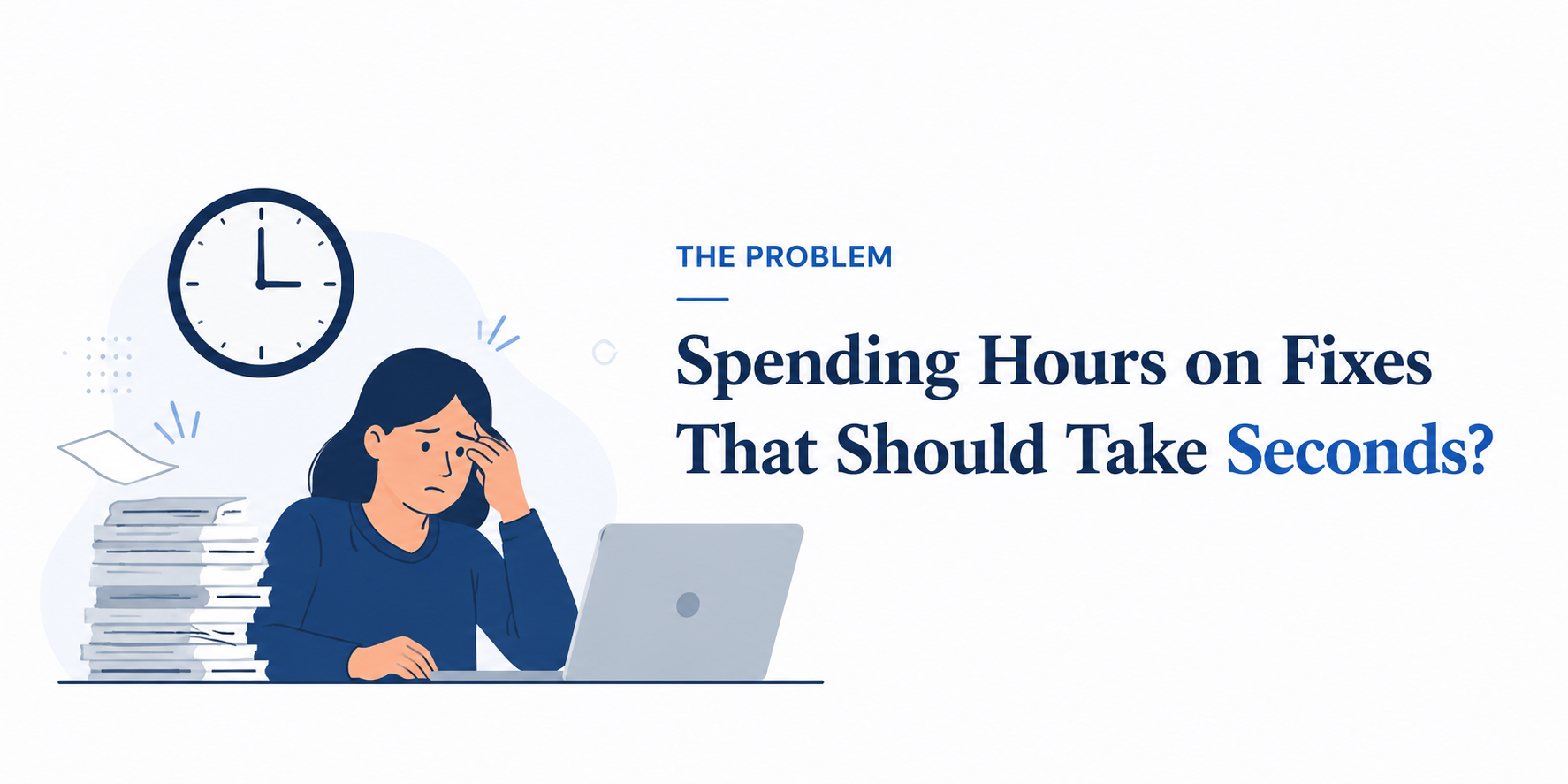
As a copyeditor, your focus should be on clarity, flow, and precision-not spending manual hours on repetitive tasks across a 300-page manuscript. Basic Find & Replace only gets you so far. Wildcards unlock powerful pattern-based editing that helps you work faster, reduce errors, and handle complex edits with confidence.
Basic Find & Replace only get you so far.
Wildcards are the real secret weapon.
What you will learn
Powerful Techniques. Real Result.
Advance Find & Replace Fundamentals
Navigate special characters, codes, and search options with ease.
Mastering Wildcard Syntax
Understand the exact logic behind symbols (@, ?, < >, [ ]) so you can craft your own custom search scripts.
Real-World Copyediting Scenarios
- Dates, numbers & measurements
- Punctuation, quotes & citations
- Powerful application in structuring references
Interactive Live Q&A
Bring your toughest manuscript cleanup problems and solve them live.
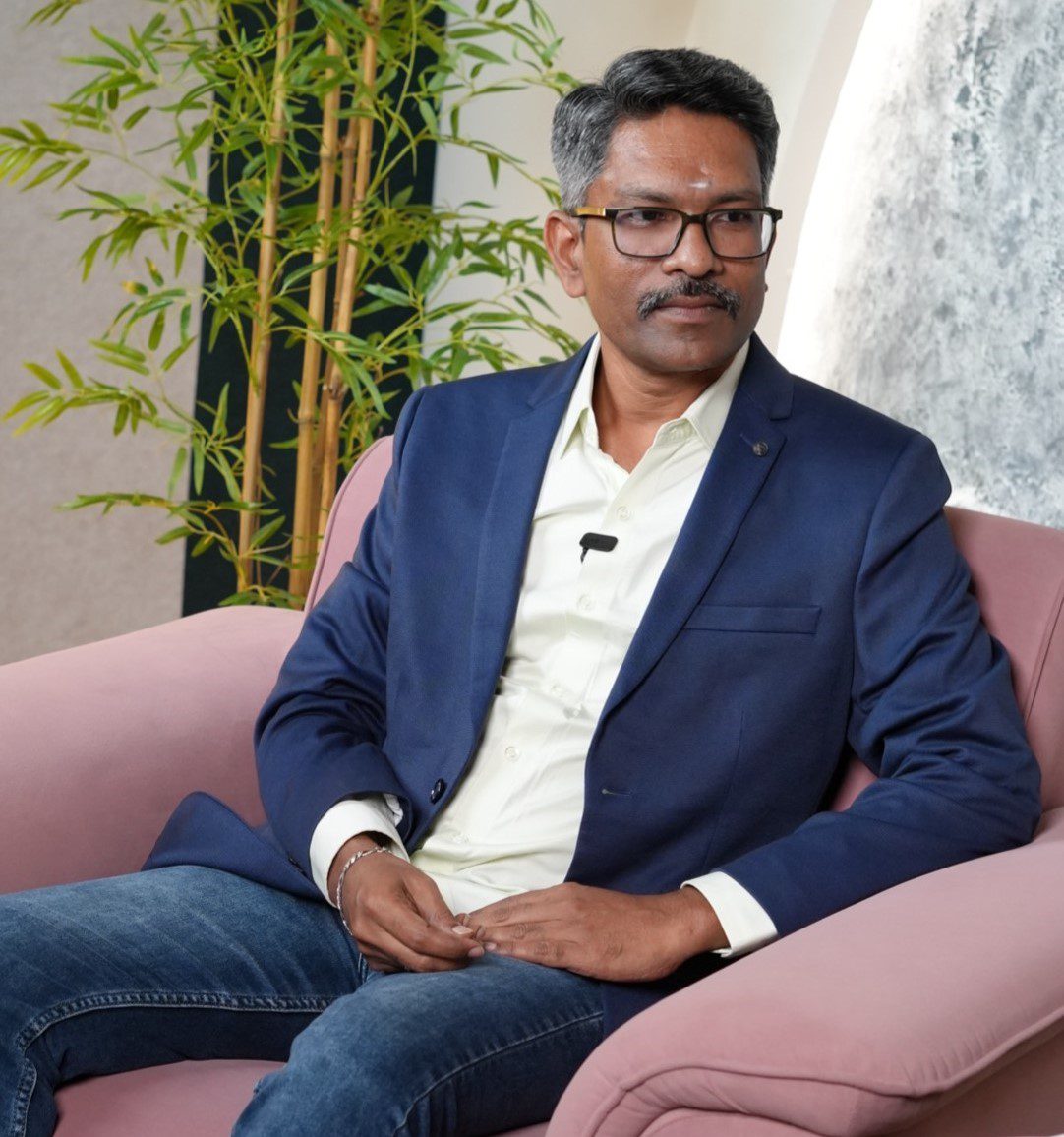
About the Speaker
Murugaraj Shanmugam
Founder, Tholga Research Consulting | Academic Writing & Publication Coach
With over 21 years of experience in academic publishing, Murugaraj Shanmugam has helped hundreds of editors streamline their editing workflows. Murugaraj founded Editor’s Essentials to help editors understand the nuances of copyediting and become skilled copyeditors. In this workshop, he shares the exact efficiency hacks using MS Word’s Find & Replace that he has refined over two decades to help you process complex documents with speed and precision.
Who Should Attend?
- Freelance and in-house copyeditors looking to speed up cleanup passes.
- Proofreaders and editors handling long-form manuscripts, academic papers, or corporate reports.
- Anyone who uses Microsoft Word daily and wants to “automate” tedious, repetitive formatting.
Why Join This EdEss Workshop?
“Work smarter, edit faster, and deliver cleaner manuscripts.”
At Editors Essentials, we focus on practical, high-impact skills you can apply immediately to your next editing project.
This session isn’t theoretical-it’s a step-by-step, hands-on workshop tailored to standard editorial workflows.
Secure Your Spot
Seats are capped at 20 participants to ensure everyone gets direct interaction during the Q&A segment.
(Instant confirmation and calendar invite will be sent to your email and WhatsApp upon registration.)
Saturday,
15 Aug 2026
2:00 PM –
4:30 PM IST
999.00
(Incl on tax)
Live Online
Workshop
FREQUENTLY ASKED QUESTION
How will I attend the workshop?
The workshop will be conducted live online. You’ll receive the joining link via email before the session.
Will I receive the recording?
No. This is a live-only workshop to encourage active participation and hands-on learning.
Will I get a certificate?
Yes. All participants who attend the live session will receive an e-certificate of participation.
Is this workshop beginner-friendly?
Yes. The workshop starts with the basics and gradually progresses to practical wildcard techniques.
Which version of MS Word is required?
Microsoft Word 2016 or later is recommended. Microsoft 365 offers the best compatibility.
Can I ask my own questions?
Absolutely! A dedicated Q&A session is included, and you can ask questions throughout the workshop.
Ready to cut your editing time in half ?
Learn advanced MS Word wildcards and transform the way you edit.
Only 20 Seats available